Enhance your teams' user experience with Custom Onboarding for Atlassian Jira Cloud

December 9, 2025
In the Atlassian ecosystem, agility and customization are key. And when it comes to welcoming new team members to our Jira instance, the initial experience should be as smooth and simple as possible. That’s why Atlassian has introduced a new feature: Custom Onboarding for Jira Cloud, which allows us to tailor that welcome for each new user.
An important note before you keep reading: this feature is only available on Jira Premium and Enterprise plans. And to configure it you must have the “Site admin” role.
Now then, what is this Custom Onboarding really about?
Introducing... Jira Cloud Custom Onboarding
In simple, direct terms: it’s the feature that lets you create welcome guides and specific resources for each role or type of user joining your Jira Cloud.
When a new user enters Jira for the first time, the platform asks what type of work they do (Software Development, Marketing, Finance, etc.). Custom Onboarding leverages this information to show them a sequence of steps and resources designed to measure for their position and for the specific context of your organization.
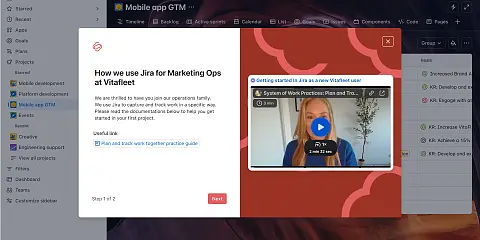
It’s no longer a generic “Welcome to Jira”, but rather: “Hi, Marketing Team! Here’s how we use Jira for our campaigns here, with direct links to our internal documentation and templates.”
What in it for you with Jira Cloud Custom Onboarding?
This feature is not just a nice touch; it can become a strategic lever to drive the adoption of the tool.
1. Faster onboarding of new team members: they don’t waste time searching for documentation. They see exactly what they need for their role from day one and start adding value much earlier. 2. Standardization of processes: by designing the onboarding path, you automatically embed your company’s “best practices” and internal workflows. This reduces errors and repetitive questions to administrators. 3. Better user experience (UX): a personalized experience is always better. It shows that the company cares about making things easier, reducing the initial frustration of facing a new tool. 4. Analytics and continuous improvement: this feature includes analytics. You can see how many people completed the onboarding, how many clicks your resource links received, and at which steps they drop off. This allows you to refine the process constantly and add or remove information. 5. Decentralization of content: Jira administrators (who initially have to do the configuration) can later grant permission to manage Custom Onboarding to any user. This way, subject-matter experts are the ones who create and maintain the most relevant content without needing to be administrators.
Great, now that we’ve seen what it gives us… do you want to start using it?
How to configure Custom Onboarding?
The configuration is relatively simple, but the key lies in the design of the content.
Go to your instance’s general settings > Jira Apps > Custom onboarding.
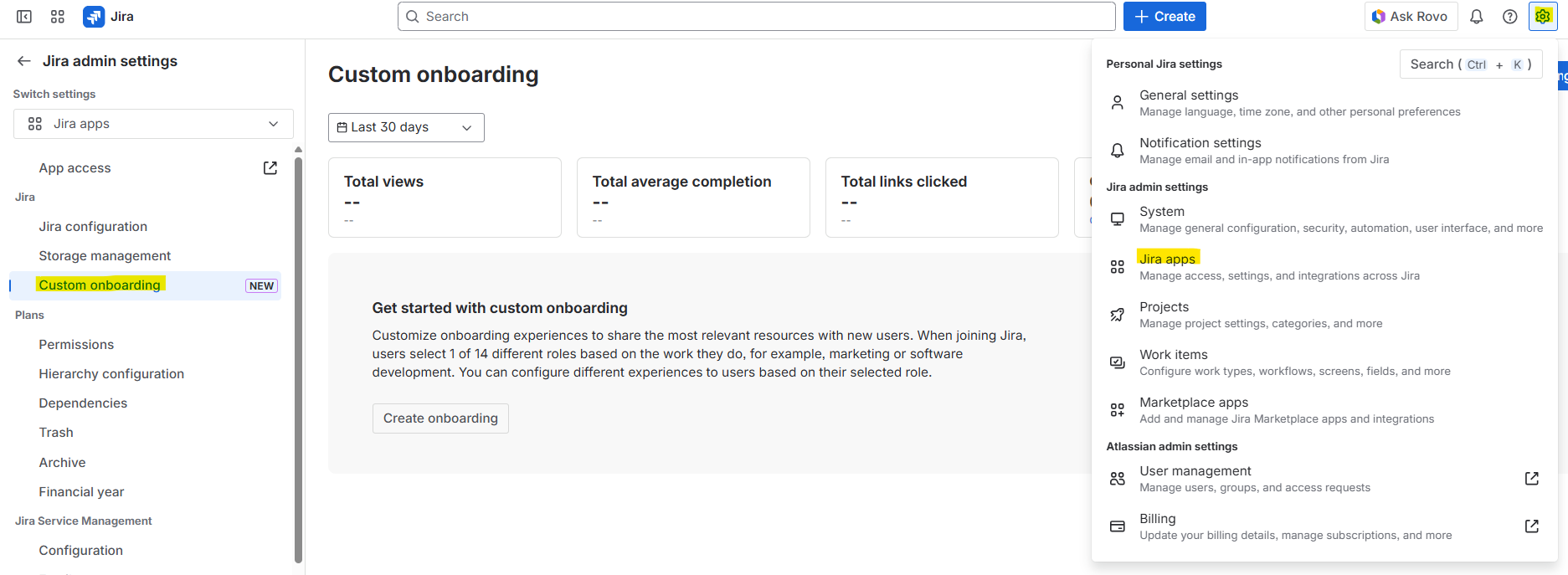
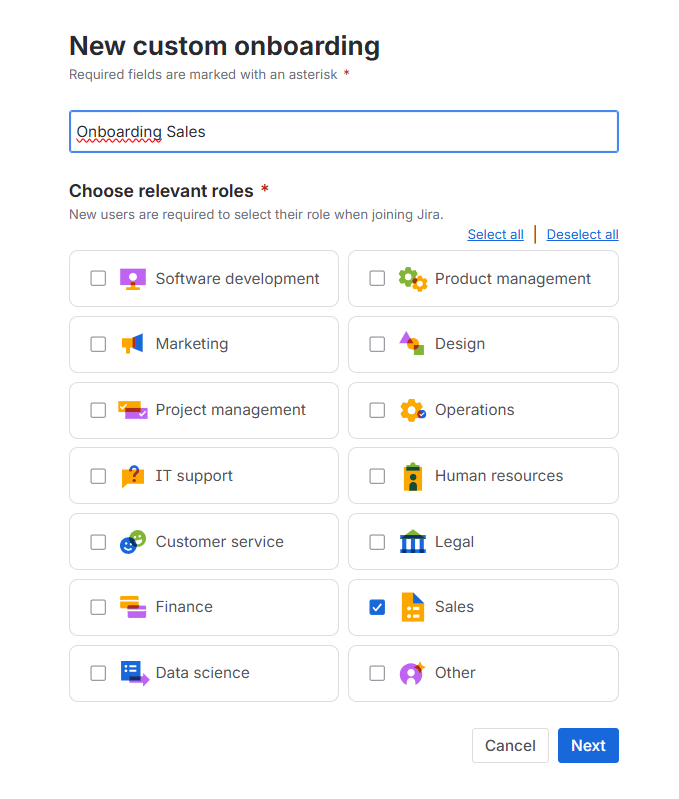
In the upper right corner, you’ll find the “Create Onboarding” option. It’s important to give it an easy-to-identify name, and to select one or more roles that will see this personalized experience:
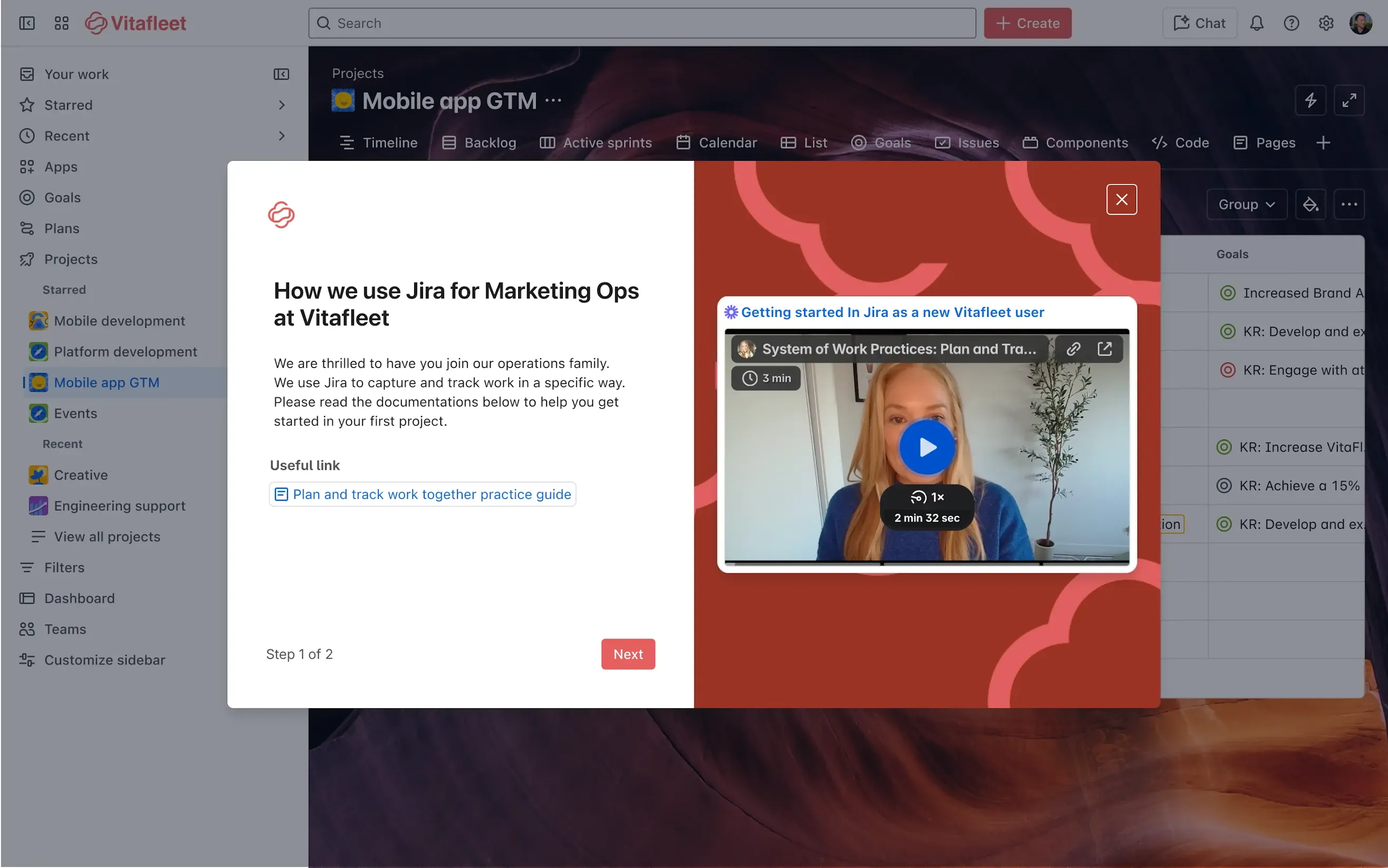
Here comes the tricky part: you only have one shot to inform the new user of all the important things they should access. So think carefully about the title, the link you include, and the image you use. Remember that this will be the first thing they see in your Jira, so you want them to get a good impression.
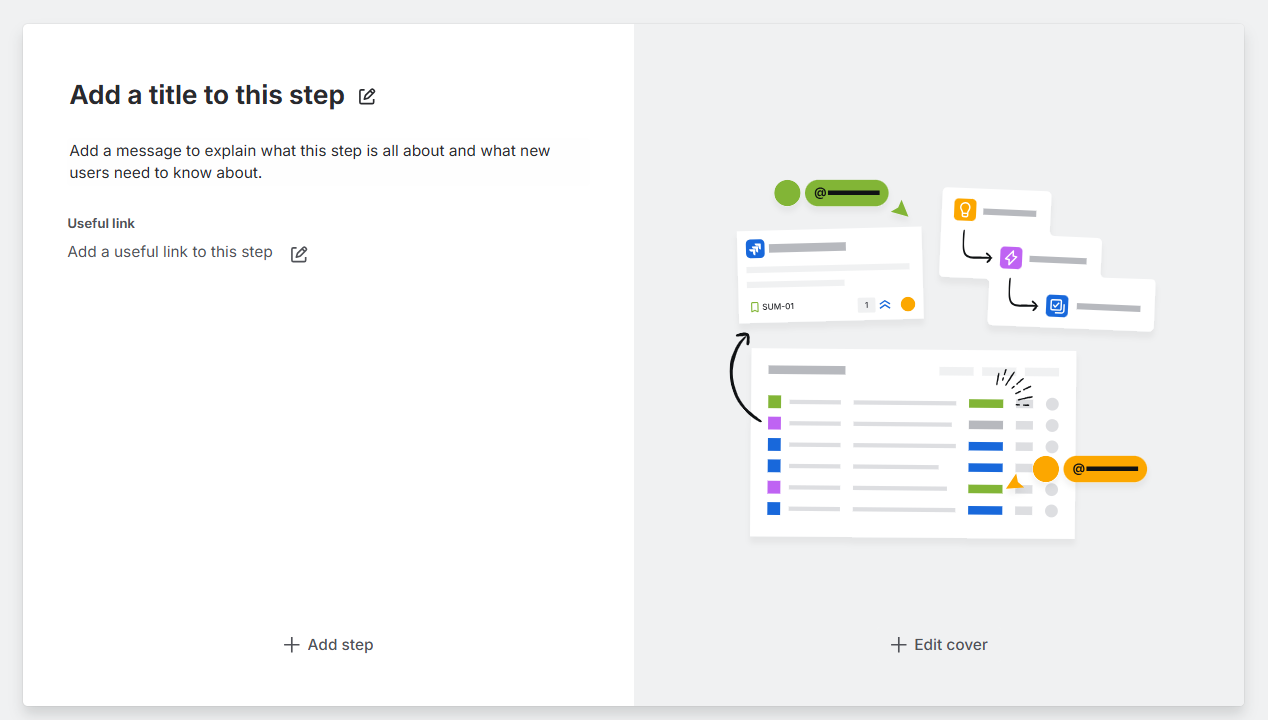
Once you’ve completed all the sections:
- Title
- Main descriptive text
- Useful links
- Corporate background + Loom video (it’s always friendlier to hear a teammate welcoming you)
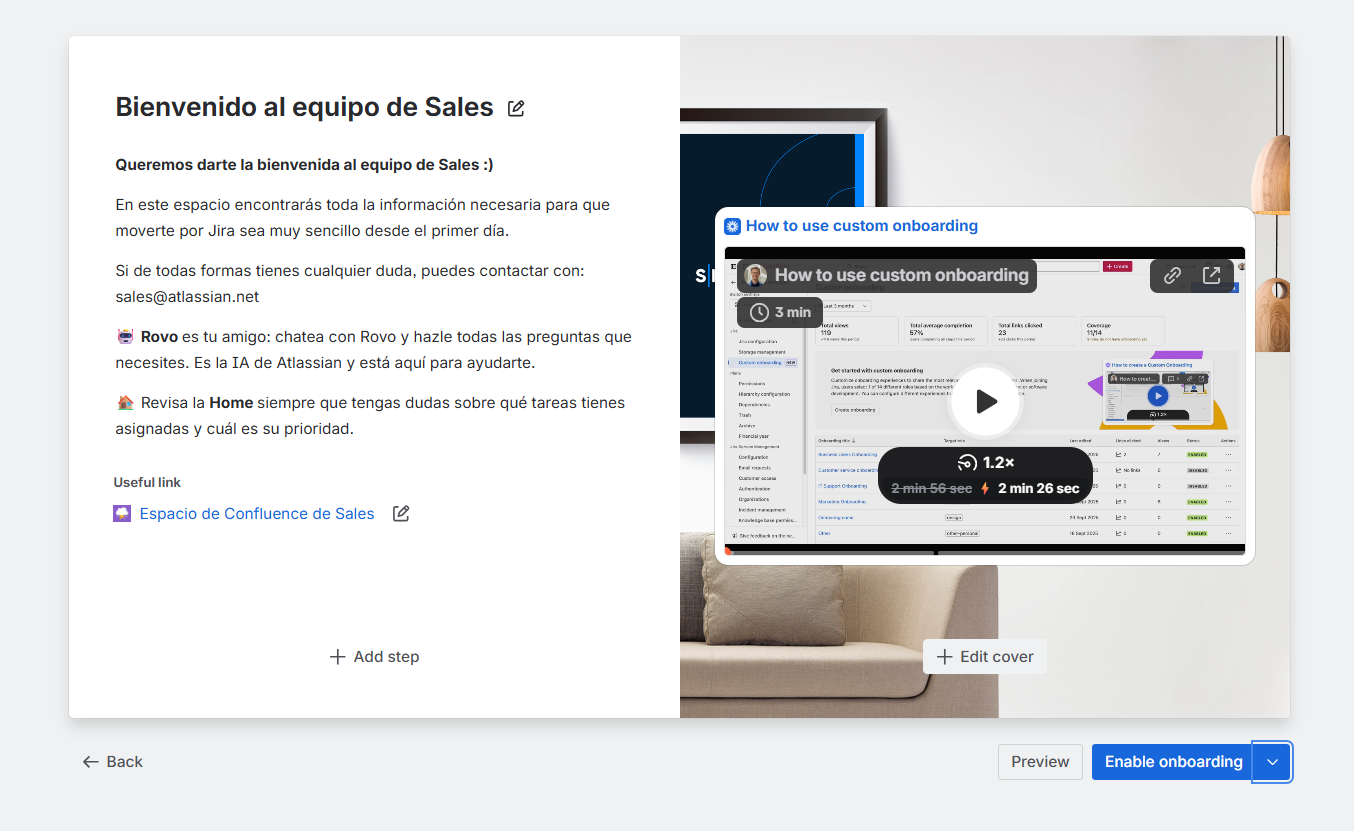
Then you just have to publish the content. (Before doing so, you can see a preview of how users will see it.)
And that’s it! As soon as a new colleague from the sales team joins Jira, they’ll be able to see their new personalized onboarding. Once it’s up and running, remember to check from time to time whether people are using it, whether they’re clicking the links… so you can make any changes if needed.
In this Loom by Atlassian, these same steps are explained very clearly:
How to use custom onboarding
To sum up
Custom Onboarding is, essentially, the way Atlassian lets you move from a generic welcome process to a tailor-made onboarding experience. Leverage the power of personalization so that your new teammates spend less time adapting and more time doing the great work you hired them for.
If you want to get the most out of this (and many other) Jira Cloud features, Let's have a chat!
Our latest news
Interested in learning more about how we are constantly adapting to the new digital frontier?
Insight
April 27, 2026
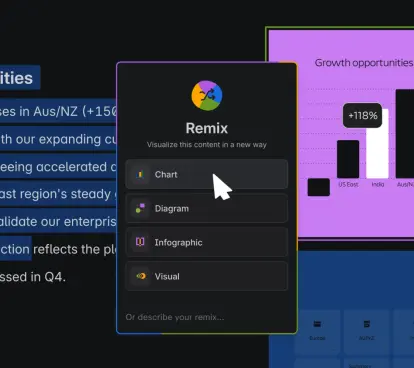
Remix with Rovo in Confluence: Transform Your Data into Visuals

Insight
April 13, 2026
What's New in Atlassian Goals: A Clearer View of Owners, Followers, and Labels

Insight
March 29, 2026
Jira Service Management Surveys: How to Create Advanced Satisfaction Surveys in Atlassian

Tech Insight
February 16, 2026
Atlassian Assets, now as a platform app