
Level-up on the user experience for Atlassian administrators

January 19, 2026
It is estimated that there are more than 300,000 administrators of Atlassian environments in the world. At least! The least Atlassian can do is make our lifes a bit easier when it comes to administering our instances.
Throughout 2025, the Atlassian Cloud interface has changed a lot. And leveraging these visual changes, they have also introduced quite a few improvements by enabling new features — and you may not have seen them all. So here we go!
Users and groups
All managed accounts in a single list
From now on, we can see all the organization’s [managed accounts] (https://support.atlassian.com/user-management/docs/what-are-managed-accounts/) in a single Users list from Administration. This resolves the confusion when some accounts appear both in the organization users list and in the managed accounts list, each with different profiles. With these changes, you only need to use the Users list to manage them all, and you can also add filters to narrow down the results.
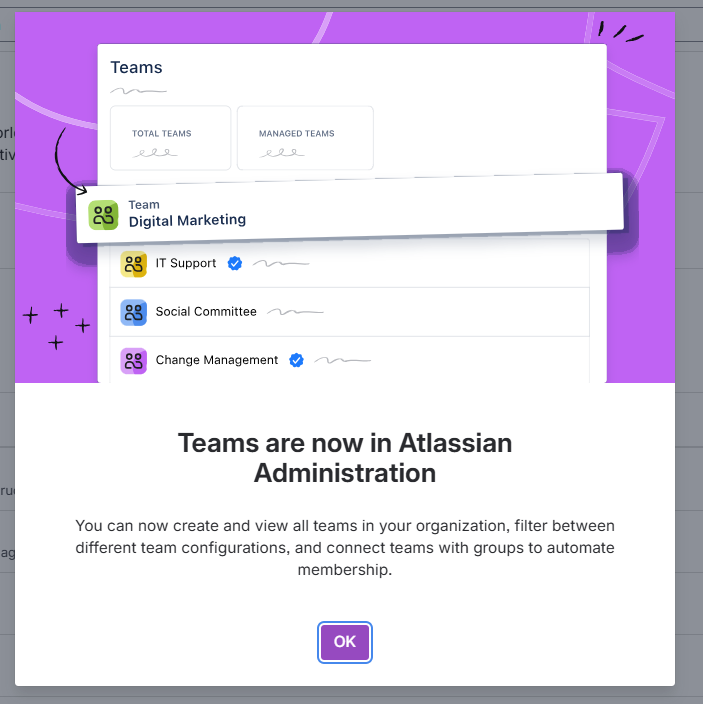
See Teams from the main menu
For administrators, Teams were a bit of a headache: you couldn’t see them from the general administration, you couldn’t assign them to existing groups… but this has finally changed and we can now see them from the main user administration menu. You can also associate them with existing groups or automate team membership.
Better visibility for user requests
In addition, the user requests page has changed, for managing user sign‑ups to different applications. This improves the visibility of these requests regardless of the site and also includes a new panel to monitor “user interests”, where you can track and review how interested users are in new applications. This will help you decide whether it’s worth adding new applications to your instances.
Customizable login page
Customize your users’ login page. You can now Configure your organization’s login page | Atlassian Support whether to show or hide third‑party logins such as Google, Microsoft or Apple.
Analytics
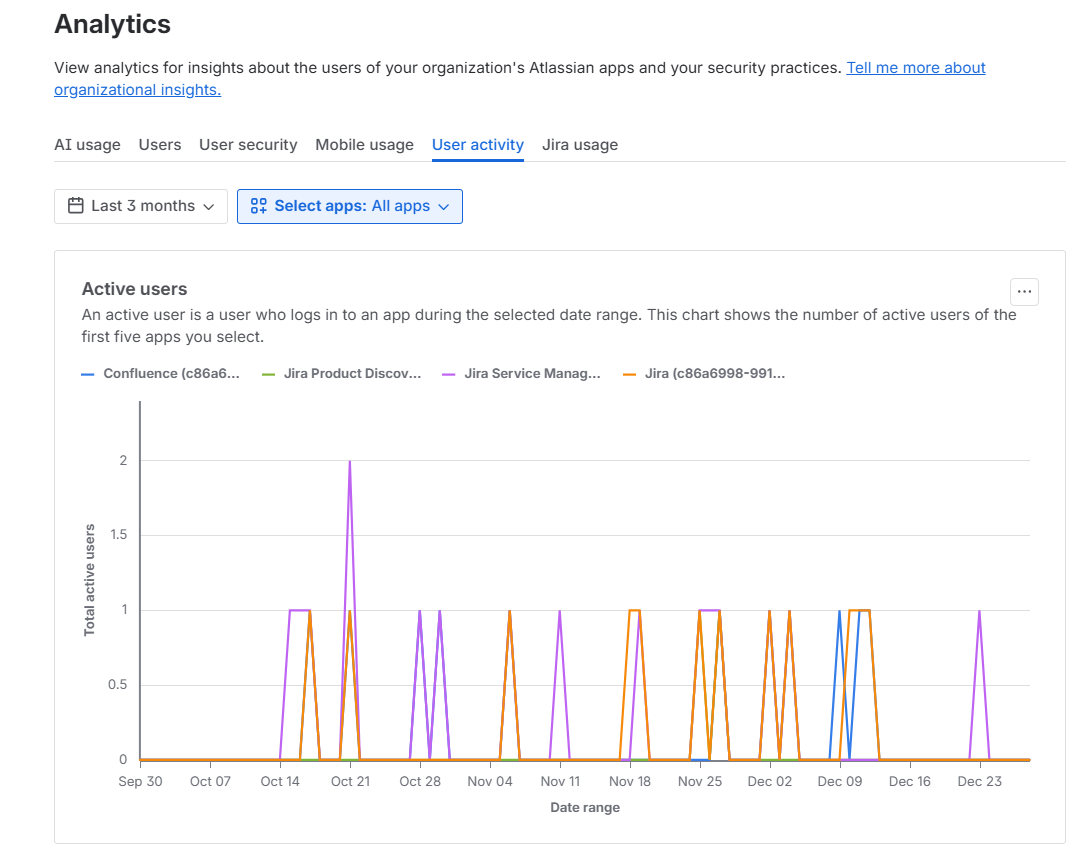
Real-time charts in Atlassian Administration
Atlassian Administration now has real‑time updated charts powered by Atlassian Analytics. These charts offer better performance, visual consistency and greater accessibility, making it easier for administrators to analyze data and gain insights.
Platform Usage to see your Rovo credits usage
Pay special attention to “Platform Usage”, where you can see, for example, the Rovo & Rovo Dev credit usage. It allows you to monitor activity and manage user access to control each type of usage.
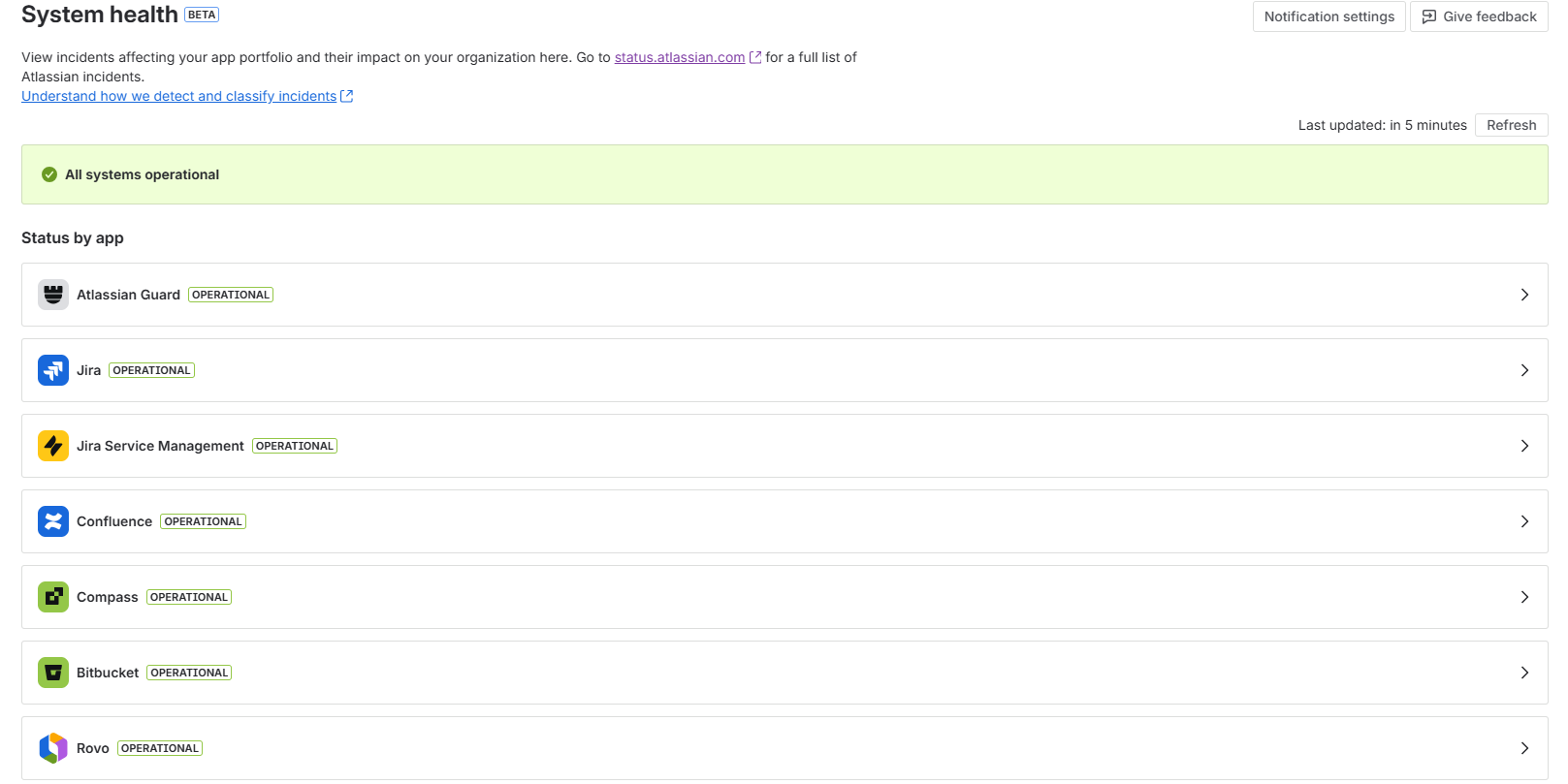
Review active incidents with System Health
For now it’s in beta, but they’re already rolling out “System health” to all instances. It lets you see in real time if there’s any active incident in Atlassian affecting any of your applications. Instead of going to the general Atlassian status page, you can go straight to this shortcut, enabled and customized just for you.
Security
Administrators don’t just manage production environments where users work day to day, but also test environments where we deploy changes before users see them, and where we test new developments or applications. There have also been several changes in this area to make our lives easier:
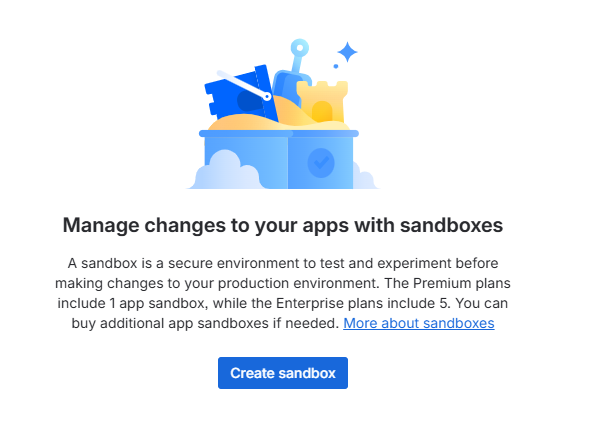
It is now possible to create more than one Sandbox
This depends on your plan, of course. Standard customers will only have 1, but Premium customers can have up to 5. This lets you run tests in parallel without overwriting information, or dedicate each sandbox to a specific purpose.
Copy spaces to the Sandbox independently
- It’s also now possible to copy spaces independently from your production environment to the Sandbox: either from Confluence, Jira, or Jira Service Management.
Extra comfort
In addition to all the new features for users and groups, analytics and security, you can now use ALQL (Audit Log Query Language) to search and filter audit logs with advanced, flexible queries, very similar to JQL (Jira Query Language). This makes it much easier to find the information you need, even as audit data grows in your organization.
Another improvement to the Atlassian Administration interface is that it now includes the option to choose themes: you can choose between light and dark mode, or the same theme that matches your device settings, making it easier to manage your administrative tasks in any lighting environment.
Some tips
- Don't get frustrated with the name changes 😇 There are still many ‘projects’ instead of ‘spaces’ that we come across in different menus. Slowly but surely, they will all disappear.
- Remember to give Atlassian feedback on everything that could be improved. As administrators, we also have a responsibility to make the environment comfortable and user-friendly for us.
Our latest news
Interested in learning more about how we are constantly adapting to the new digital frontier?
Insight
April 27, 2026
Remix with Rovo in Confluence: Transform Your Data into Visuals

Insight
April 13, 2026
What's New in Atlassian Goals: A Clearer View of Owners, Followers, and Labels

Insight
March 29, 2026
Jira Service Management Surveys: How to Create Advanced Satisfaction Surveys in Atlassian

Tech Insight
February 16, 2026
Atlassian Assets, now as a platform app